📡
Automatic setup
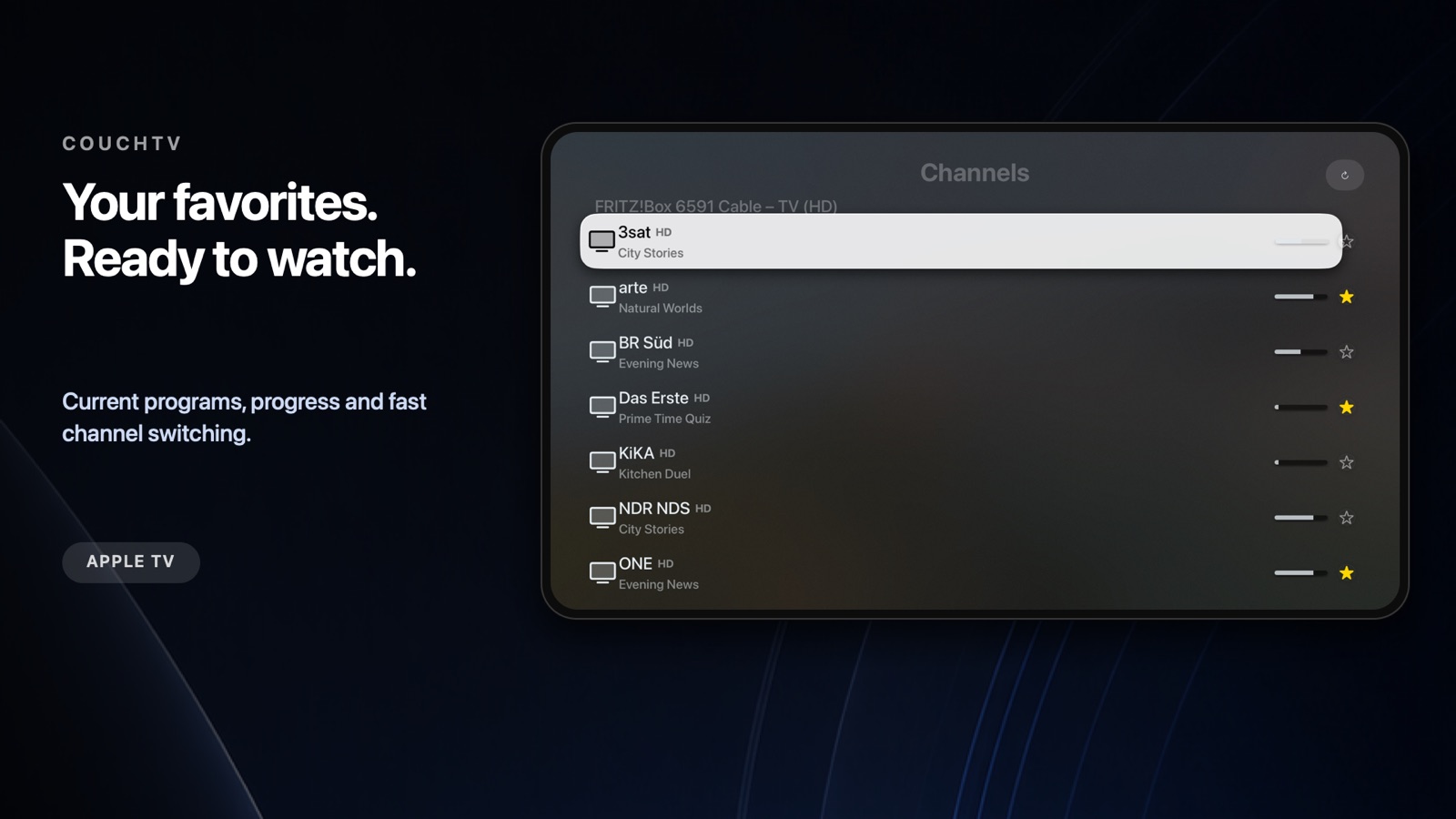
CouchTV finds your FRITZ!Box on the home network and imports TV and radio channels in HD and SD.
All platformsiPhone · iPad · Mac · Apple TV
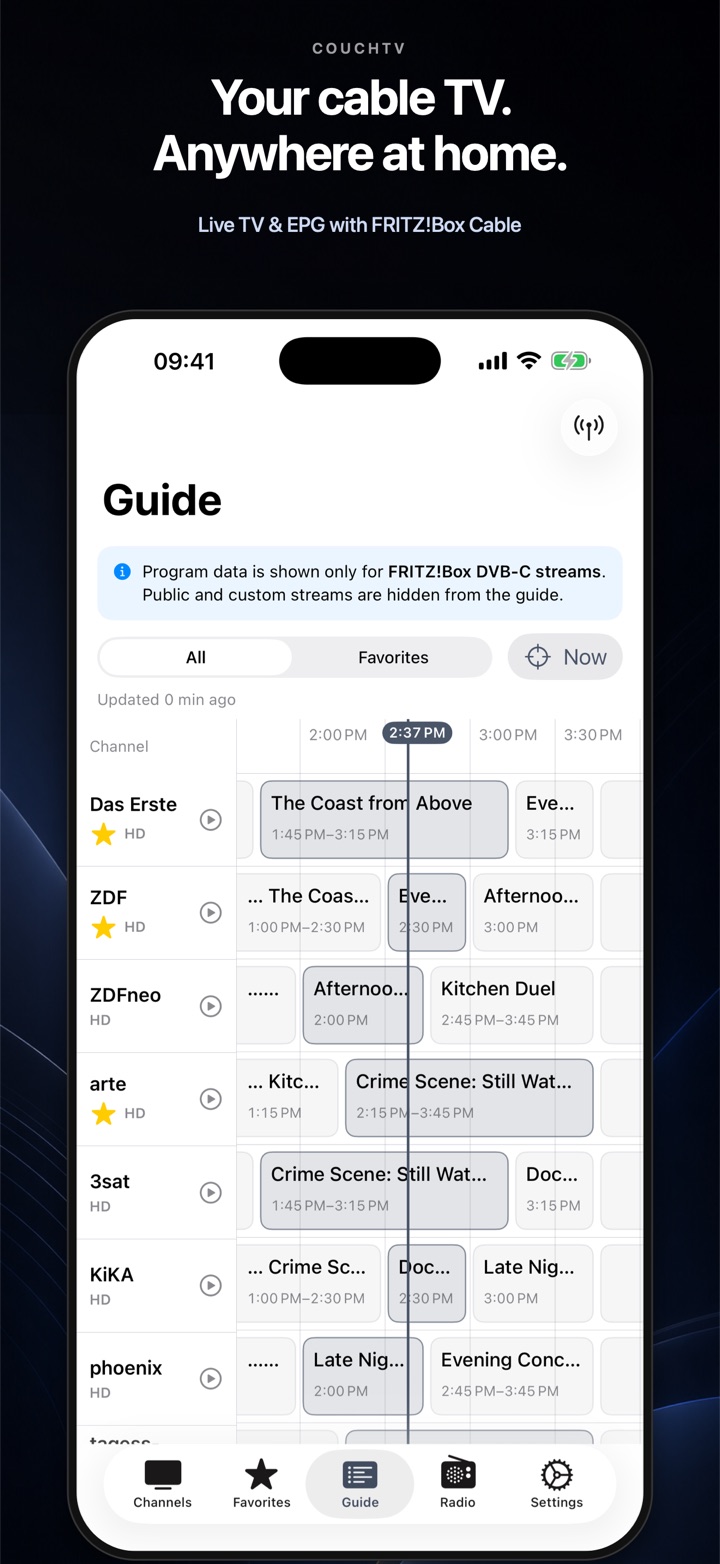
CouchTV brings live TV and the programme guide from your FRITZ!Box DVB-C signal to iPhone, iPad, Mac and Apple TV. No account. No subscription.
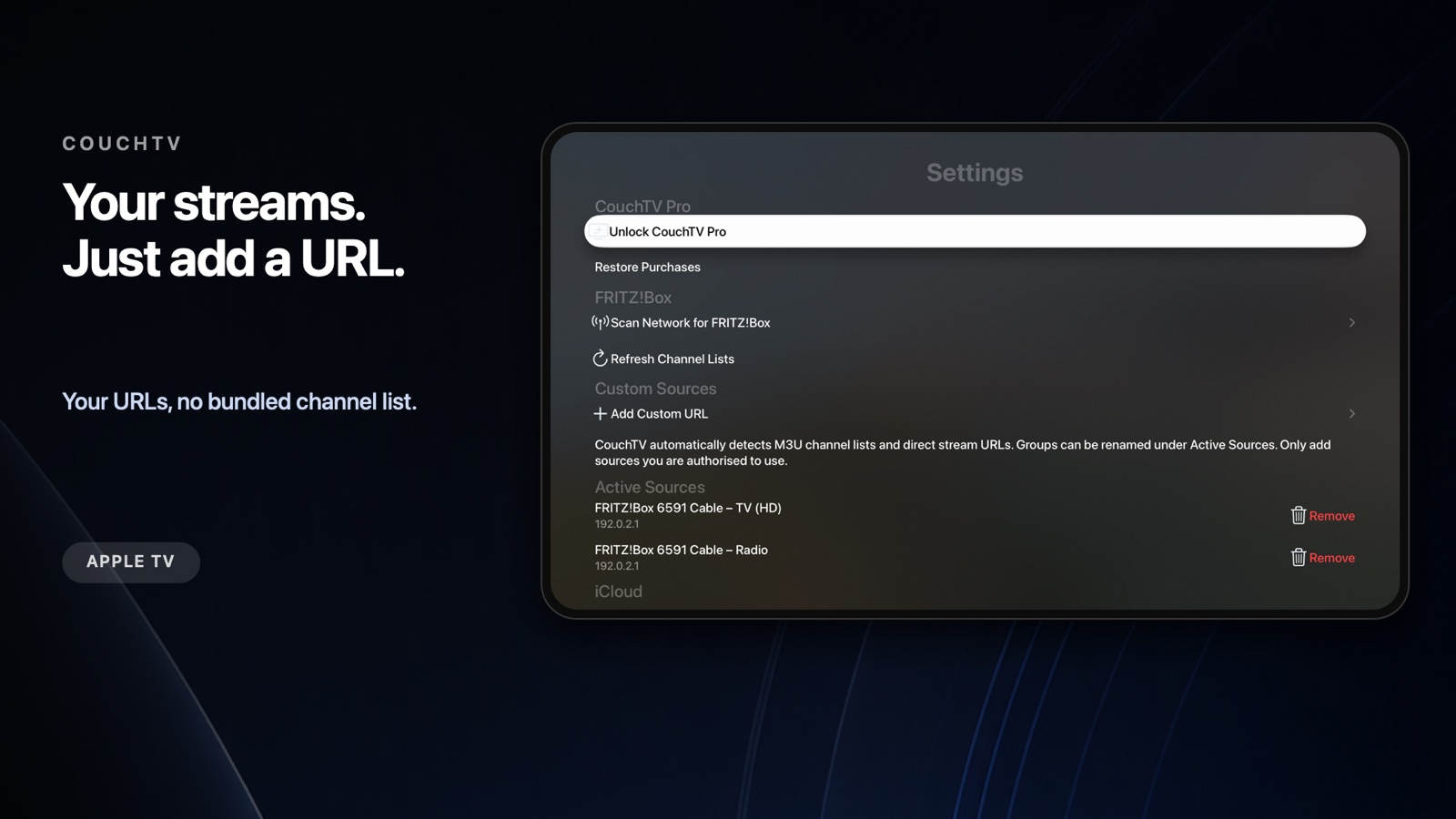
No bundled channel list.Internet streams and playlists are added exclusively by you through their URLs.
Now availableAlso on Apple TV
CouchTV for iPhone · iPad · Mac
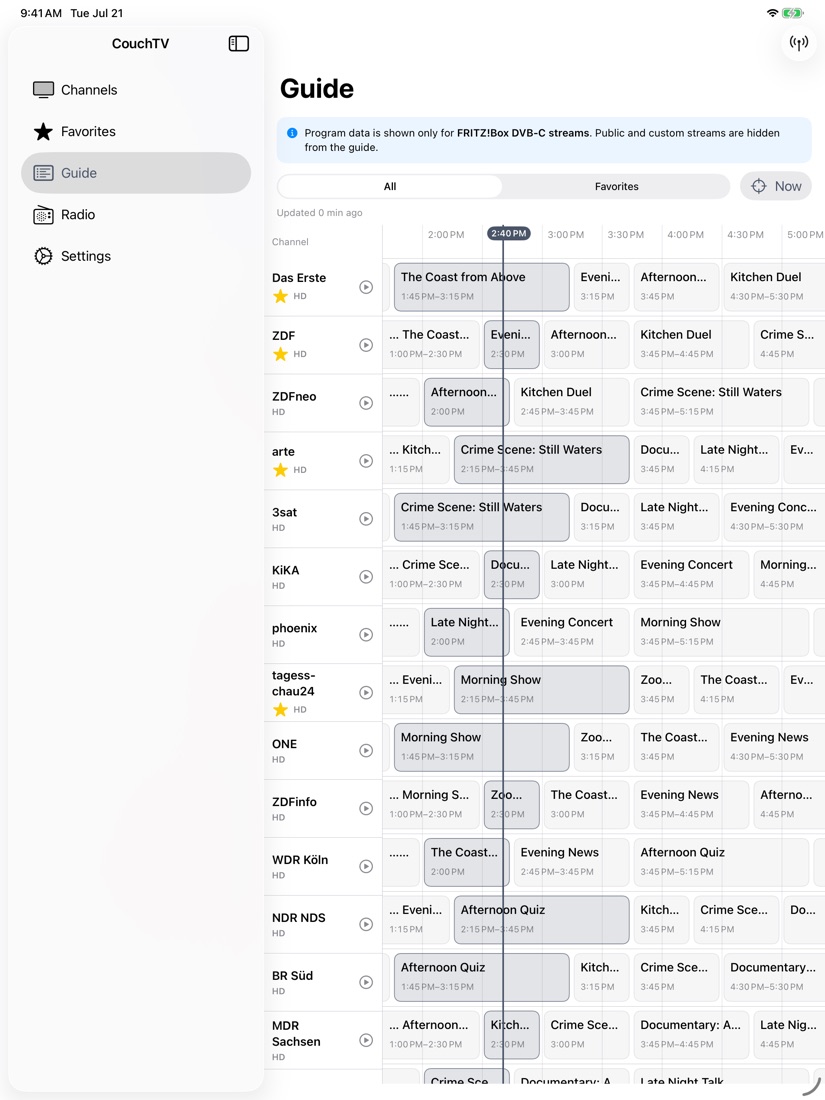
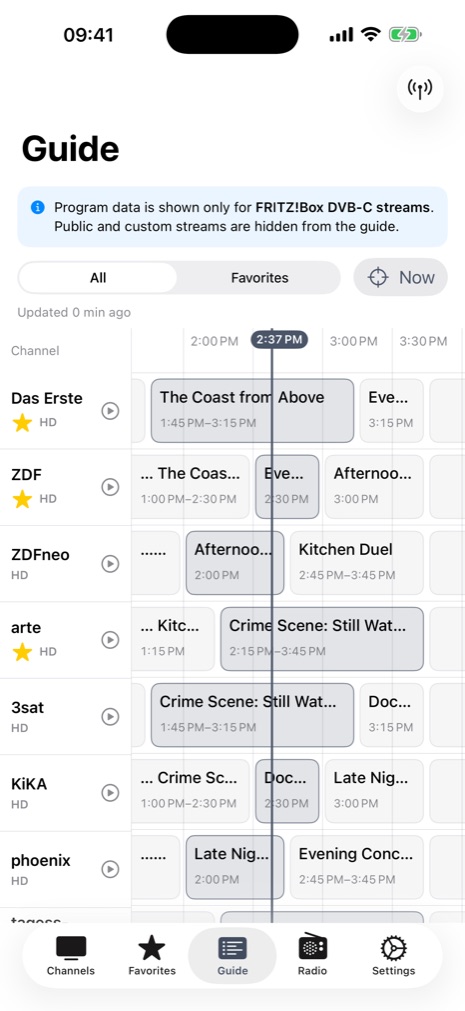
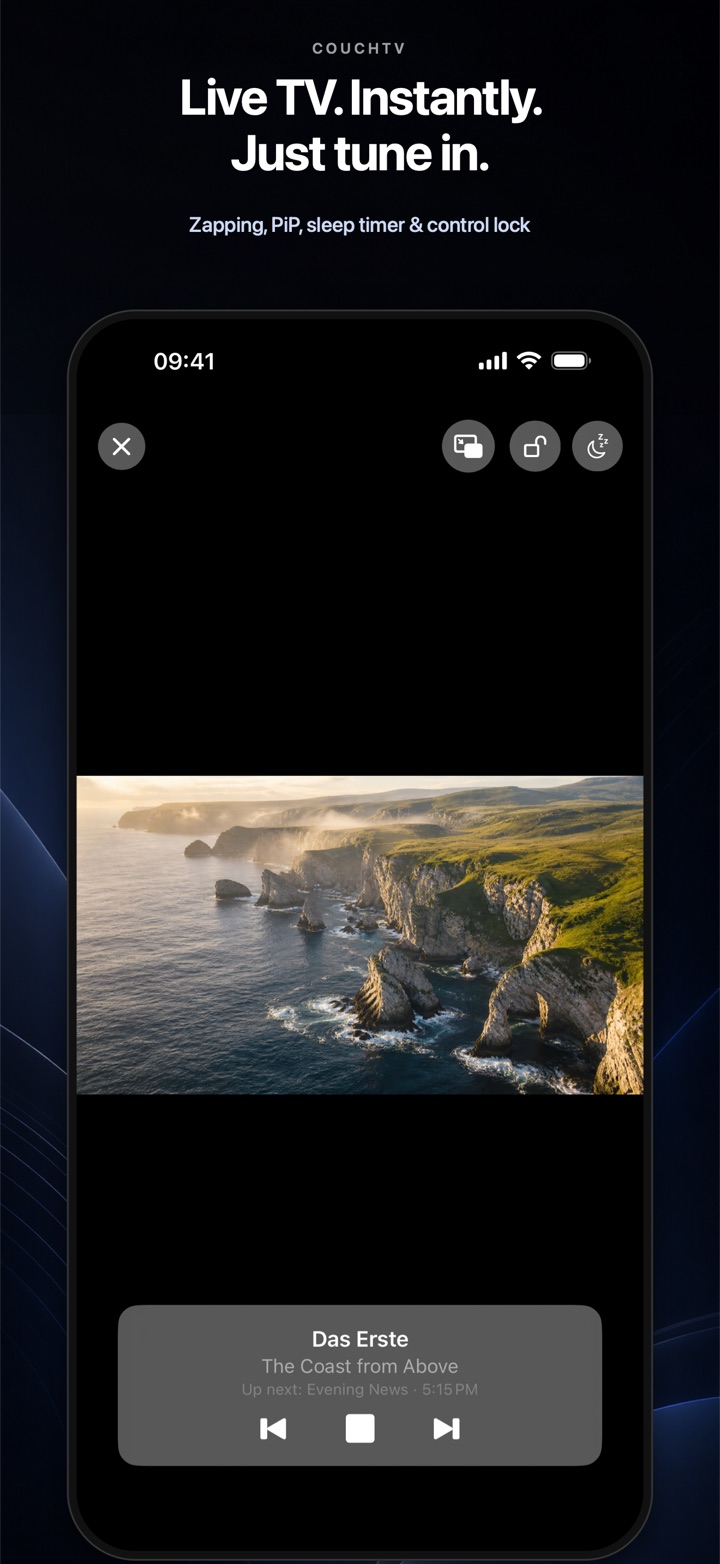
Live TV, a full programme timeline, Picture in Picture, sleep timer and custom streams – designed for touch, mouse and trackpad.
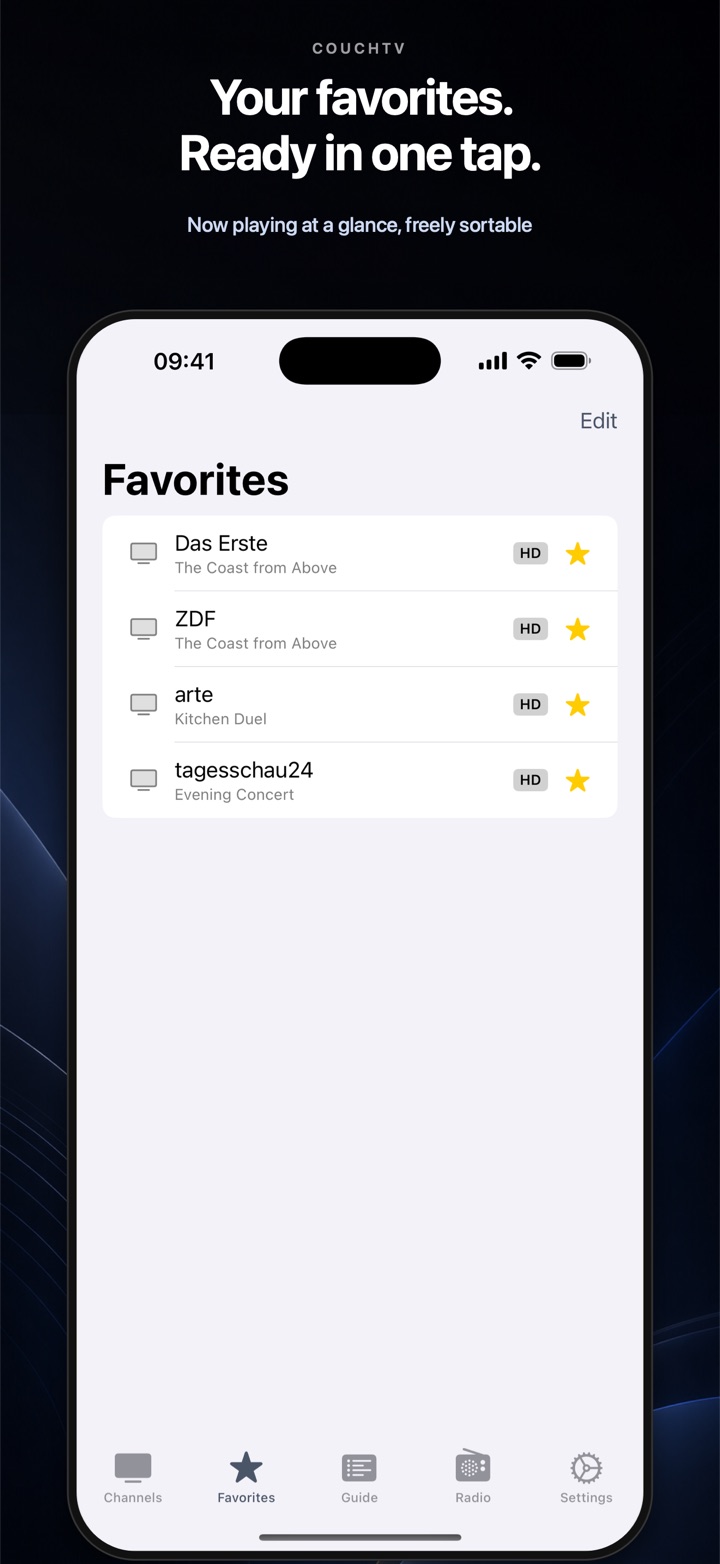
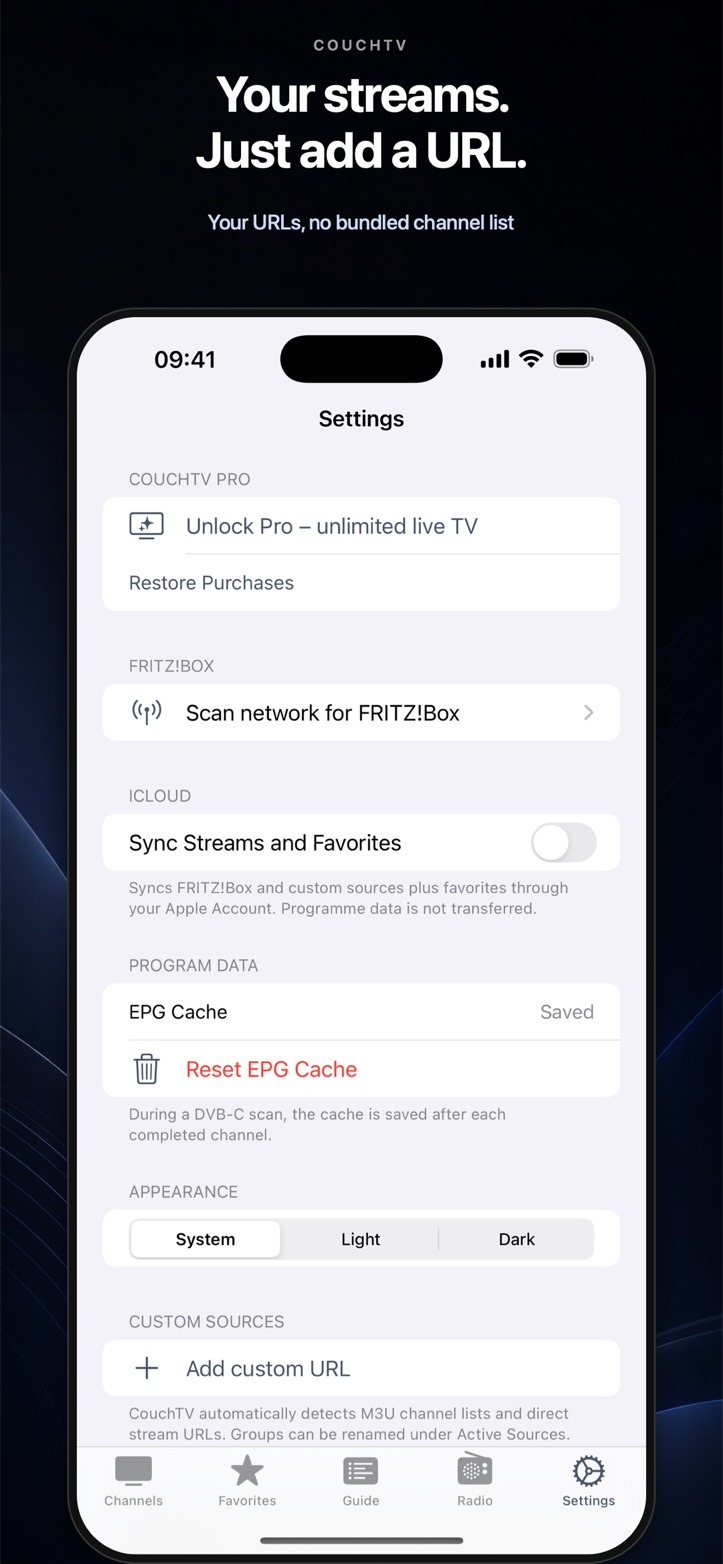
Now available · CouchTV for Apple TV
Pick a channel, sit back and switch with the Siri Remote. Your own stream URLs work without a FRITZ!Box – FRITZ!Box TV and EPG come straight from your home network.
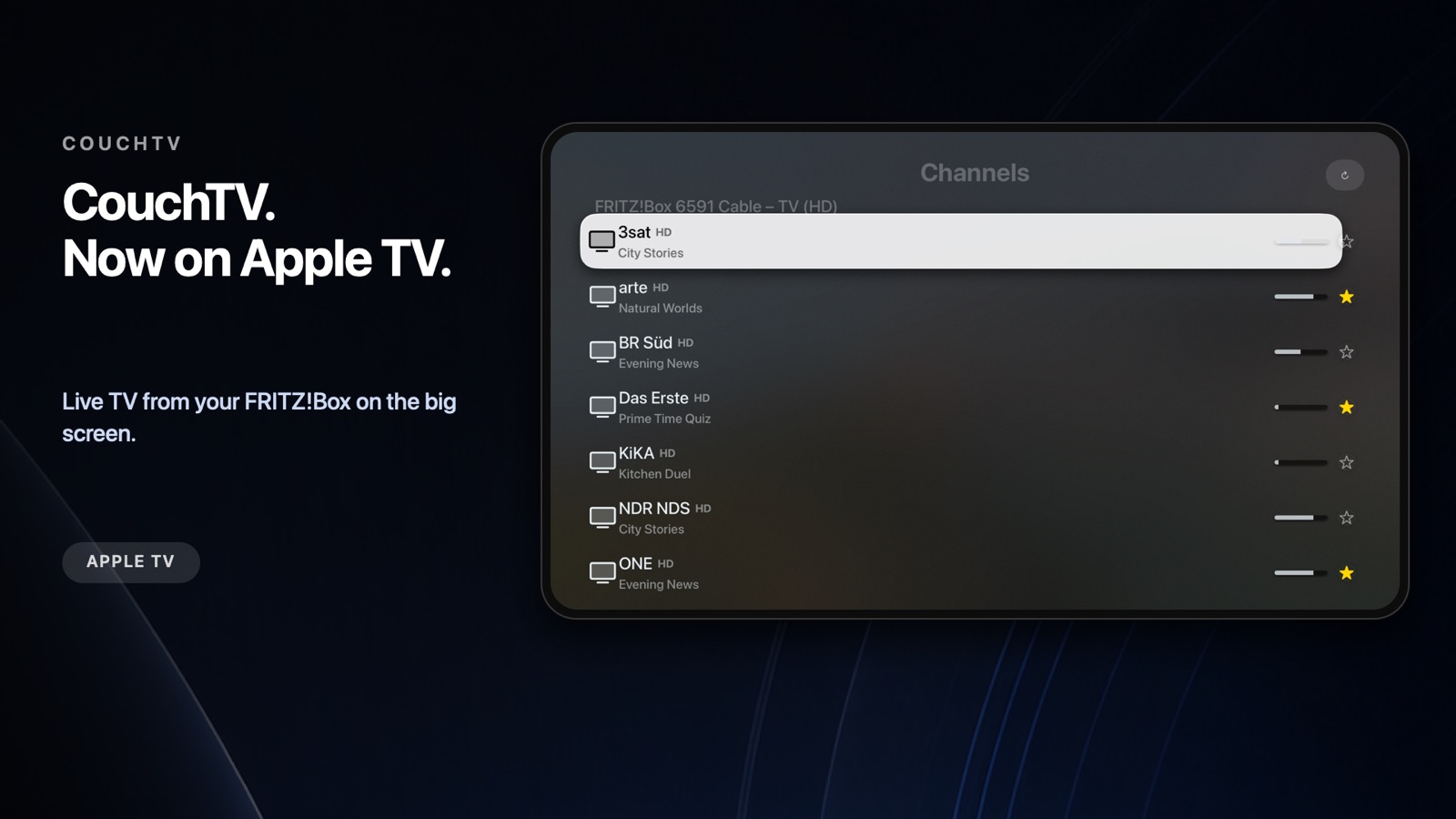
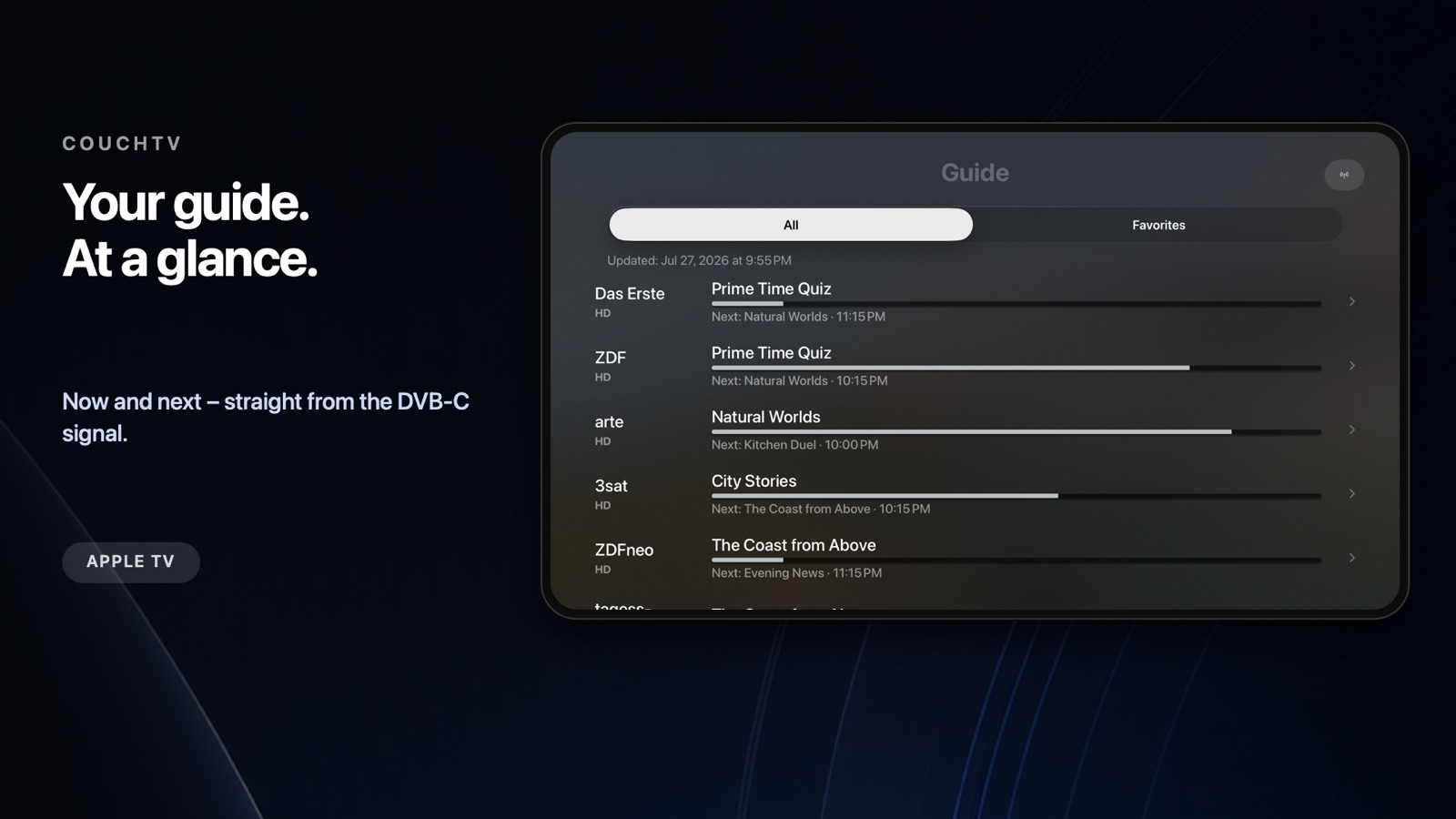
Left / right
Change channel
Play / Pause
Show programme details
Menu / back
Stop playback
One app for your home network
CouchTV provides no internet channels or stream URLs. There is no public catalogue and no stream search. You enter every internet source yourself and should only add sources you are authorised to use.
CouchTV finds your FRITZ!Box on the home network and imports TV and radio channels in HD and SD.
All platformsChannels start instantly. Use the Siri Remote to move left and right through your channel list.
Apple TVNow, next and the full channel timeline – without an external guide provider or tracking.
FRITZ!Box channelsEnter HLS, HTTP or RTSP URLs and M3U channel playlists you provide yourself – or scan a QR code on iPhone and iPad.
All platformsReach favourite channels quickly and listen to FRITZ!Box radio stations in their own section.
All platformsSync custom sources and favourites through your Apple Account across iPhone, iPad, Mac and Apple TV – without EPG data.
All platformsOnly after you enter a URL does CouchTV detect whether it points to a direct stream or a channel playlist.
All platformsKeep watching in a floating window while using other apps.
iPhone · iPad · MacChoose a duration or time and CouchTV stops playback after you have fallen asleep.
iPhone · iPad · MacNo account and no trackers. DVB-C playback and programme data stay in your home network.
All platformsReady in just a few minutes
In your FRITZ!Box, open Home Network → Media Server, enable DVB-C and run the channel scan once.
Connect your Apple device and FRITZ!Box to the same home network. The scan finds the box automatically.
Pick a channel and start watching. The programme guide fills itself from the DVB-C signal.
Fair and transparent
* FRITZ!Box TV and EPG require a FRITZ!Box with DVB-C tuner, such as the 6490, 6591 or 6660 Cable, with DVB-C enabled. Encrypted channels and pay TV cannot be played. Internet sources are not provided by CouchTV; only add URLs you are authorised to use. CouchTV is not a product of AVM GmbH. FRITZ! and FRITZ!Box are trademarks of AVM GmbH, Berlin.